
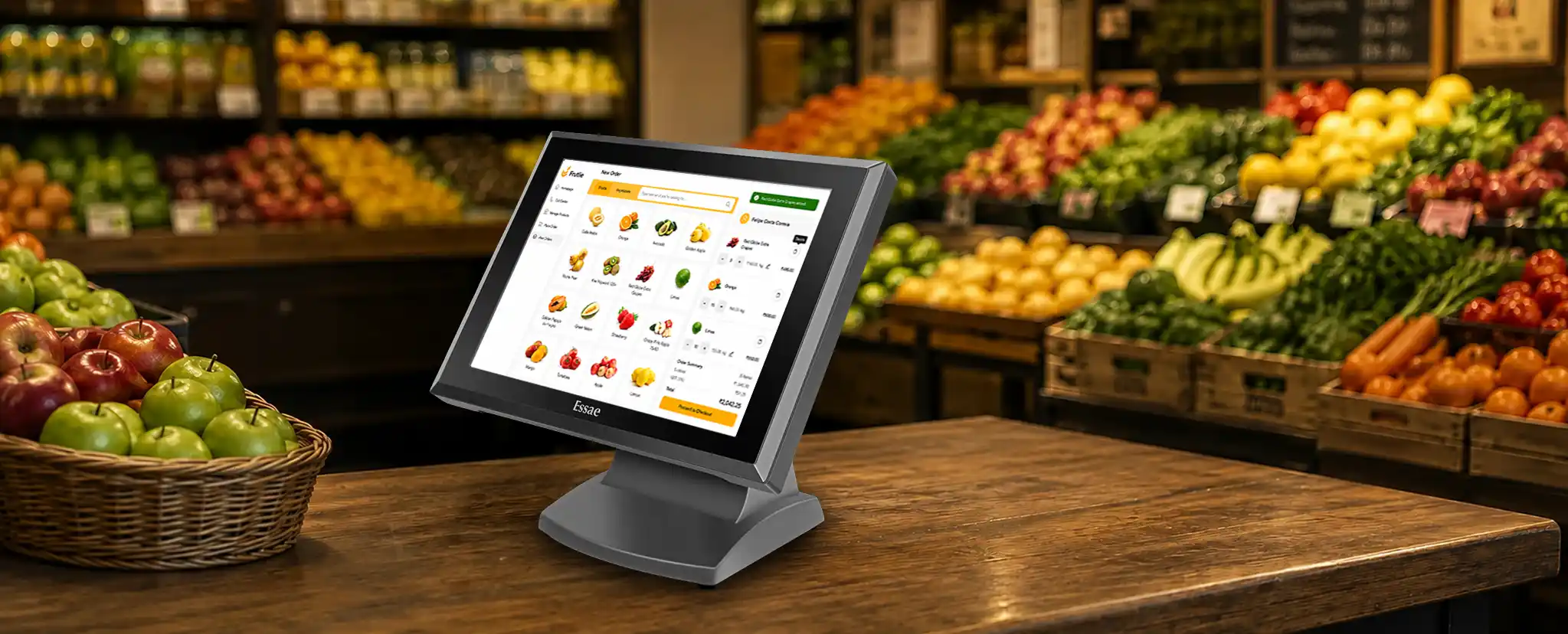
When it comes to billing, payments, tracking sales, and stock management, a Point of Sale (POS) system is important. It supports smooth interactions at the counter and helps keep everything organised.
However, even a small problem, like system lag, printer errors, or sudden crashes, can slow down your business and affect customer service. To avoid these issues, it is very important to keep your POS system in good working condition.
In this blog, we’ll share 10 simple and practical tips to help you keep your POS system running smoothly and efficiently.
Tip 1: Keep your POS system updated
Just as you update your phone or laptop, your POS also needs frequent software updates to run smoothly. These updates help in fixing small bugs, improving performance, and keeping your system secure from new threats. Not updating your POS can lead to slow performance or sudden breakdowns during billing.
To avoid this, enable automatic updates if your system allows it, or check manually once a month. Keeping your POS up to date ensures it works quickly, correctly, and without problems.
Tip 2: Clean your POS machine regularly
Cleaning your POS machine regularly helps it work better and last longer. When dust builds up, the touchscreen, barcode scanner, and card reader may stop responding properly. Wipe the screen gently with a soft, dry microfiber cloth and clean the card reader using a suitable cleaning card or brush
Do not use harsh chemicals or spray liquid directly on the device. Also, keep the billing area clean and dry to prevent moisture or spills from damaging your system and slowing down your operations.
Tip 3: Back up your data often
Your POS system stores important information like sales records, inventory details, and customer data. Losing this data can cause serious problems for your business. That’s why regular backups are needed.
Use both cloud storage and external drives to keep copies of your data safe. Most modern POS systems allow you to set up automatic backups, daily or weekly, to make the process easier. By backing up regularly, you can quickly recover your information if something goes wrong, making sure your business runs consistently.
Tip 4: Protect your POS from viruses and hackers
It is very important to keep your POS secure as it stores important business and customer data. Use strong, unique passwords and update them every few months. Install trusted antivirus software and make sure it’s always updated to block malware or hacking attempts.
Avoid using public Wi-Fi or downloading unknown files on your POS system, as these can expose your data to risks. A secure POS keeps your business safe and builds customer trust.
Tip 5: Check the internet and power connections
A reliable internet connection and power source are important for smooth billing. If your Wi-Fi or LAN connection is weak, it can cause delays during checkout. Always make sure your connection is stable and consistent.
Using a UPS protects your POS from unexpected power cuts and prevents data loss. With a steady connection and backup power, your POS can run smoothly even during busy hours.
Tip 6: Train your staff to use it properly
Even a good POS system can have issues if users don’t know how to use it properly. Train your staff on basic operations like billing, generating reports, and solving simple issues such as printer jams or restarts.
When employees understand how the system works, they can work faster and reduce errors. Regular training helps employees adjust quickly to new features or updates.
Tip 7: Monitor system speed and storage
If your POS starts running slowly, it could be due to low storage or too many unused files. Check your system regularly to remove old reports, temporary files, and unused apps.
Keeping your storage organised and clean helps your POS run faster and more efficiently. This simple habit can save time and reduce frustration during peak business hours.
Tip 8: Do regular maintenance checks
Just like any other machine, your POS system needs regular maintenance. Once every few weeks, inspect all its parts: the printer, scanner, cash drawer, and cables. Look out for signs of weak or slow performance.
If you notice anything unusual, contact your service provider immediately. Regular maintenance prevents sudden breakdowns and helps your POS last longer.
Tip 9: Use genuine accessories and parts
Your POS performs better when you use original accessories designed specifically for it. Cheap or duplicate products might seem cost-effective, but can cause hardware issues or even permanent damage.
Investing in genuine parts keeps your system reliable and avoids unnecessary repair costs in the future.
Tip 10: Choose a reliable POS provider
Your POS provider plays a big role in keeping your system running smoothly. Choose a company that offers strong hardware, smooth software, and quick customer support. A good provider assures regular updates, easy maintenance, and fast problem-solving when you need help.
For example, Essae POS systems are known for being durable, easy to use, and built for Indian business needs. Partnering with a trusted provider gives you peace of mind and long-term reliability.
Conclusion
A well-maintained POS system keeps your business running smoothly every day. When you take good care of your system, it performs faster, lasts longer, and helps you serve customers without interruptions.
By following these simple tips, you can save money on repairs, reduce downtime, and keep your billing process running efficiently. Remember, a little regular care goes a long way in keeping your POS in top condition.
Looking for a reliable POS system for your store or restaurant? Try Essae POS, built for performance, accuracy, and ease of use.


